Node.js Morgan Module and Cluster Module
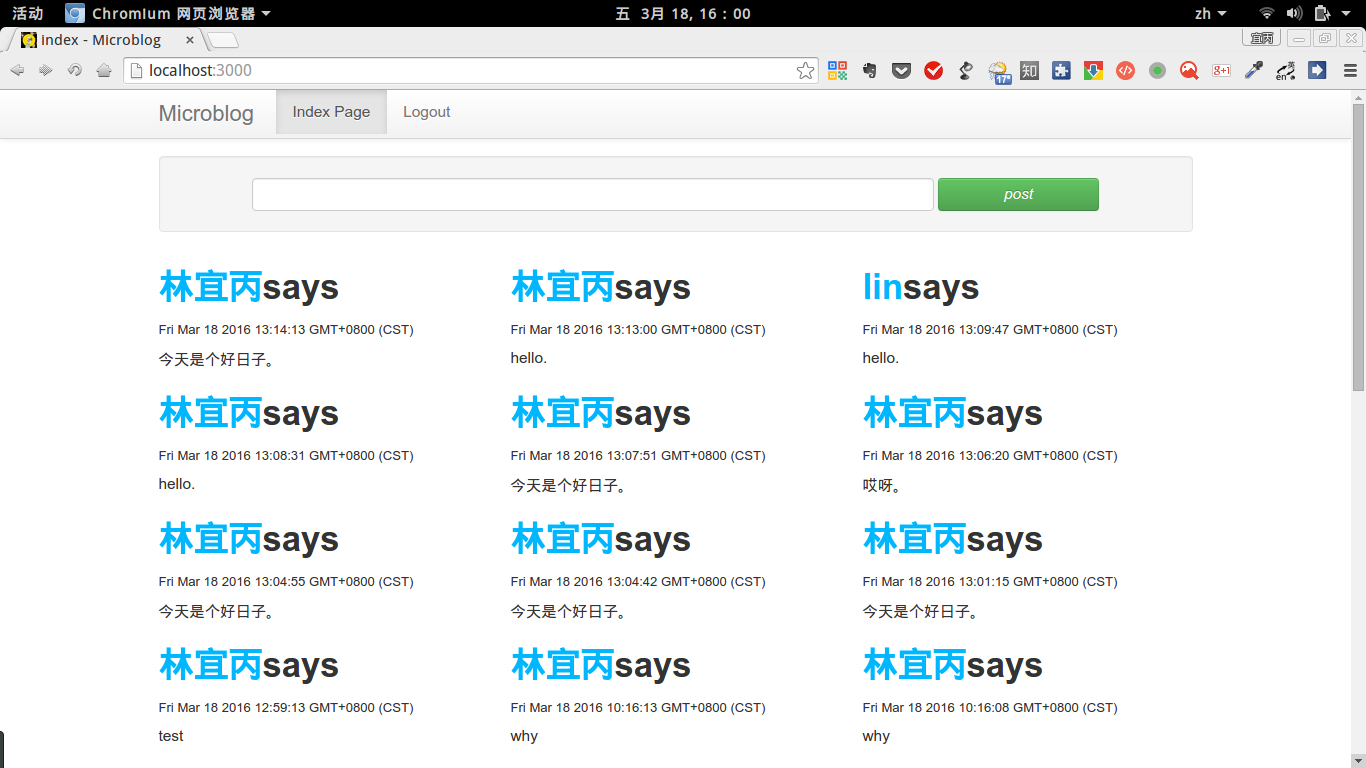
I’ve been tinkering with Node.js recently, following along with “Node.js in Action” to implement the Microblog project. Since the book was written in 2012, and Node has since been updated to v5.9.0 with Express also having undergone significant changes, much of the code in the book no longer works with current versions. For the implementation details, you can refer to this article: “Node.js Development Guide” Microblog Example with Express 4.x. BTW, the Express startup command has changed to npm start, which executes the www file in the bin directory, equivalent to running node ./bin/www directly. This post briefly covers the logging and multi-core CPU optimization topics mentioned in Chapter 6, along with an introduction to a debug tool. The complete Microblog code is available on GitHub: Click here
1. Preface
I’ve been tinkering with Node.js recently, following along with “Node.js in Action” to implement the Microblog project. Since the book was written in 2012, and Node has since been updated to v5.9.0 with Express also having undergone significant changes, much of the code in the book no longer works with current versions. For the implementation details, you can refer to this article: “Node.js Development Guide” Microblog Example with Express 4.x. BTW, the Express startup command has changed to npm start, which executes the www file in the bin directory, equivalent to running node ./bin/www directly.
This post briefly covers the logging and multi-core CPU optimization topics mentioned in Chapter 6, along with an introduction to a debug tool.
The complete Microblog code is available on GitHub: Click here
2. Morgan Module - Log Generation
Install morgan and file-stream-rotator, the latter is used for generating daily logs:
npm i morgan file-stream-rotato –save-dev
Edit the app.js file to import them, along with the built-in Node module fs:
1
2
3
var FileStreamRotator = require('file-stream-rotator');
var logger = require('morgan');
var fs = require('fs');Daily log generation:
1
2
3
4
5
6
7
8
9
var logDirectory = __dirname + '/log';//Log file storage directory
fs.existsSync(logDirectory) || fs.mkdirSync(logDirectory);//Check if directory exists, create it if not
var accessLogStream = FileStreamRotator.getStream({
date_format: 'YYYYMMDD',//Date format
filename: logDirectory + '/access-%DATE%.log',//Log file naming pattern
frequency: 'daily',//Generation frequency, can be every two hours: 2h, every minute: 1m
verbose: false//Verbose mode
});
app.use(logger('combined', {stream: accessLogStream}));//'combined' specifies the log format
For detailed usage of this plugin, refer to: morgan, including log formats and configuration options. You can also customize your own log format.
3. Cluster Module - Spawning Child Processes
This is a built-in core module of Node.js used to spawn child processes identical to the current process. It allows parent and child processes to share ports, making full use of multi-core CPUs on modern servers.
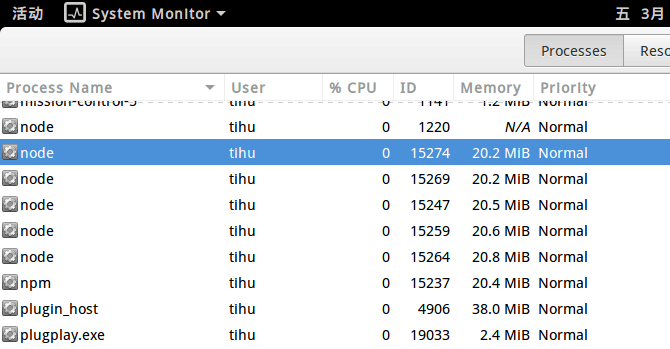
- The www file contains the server creation code, so edit this file and add the following code:Now check the process manager and you’ll find multiple node processes, whereas the original code would only have two:
1
2
3
4
5
6
7
8
9
10
11
12
13
14
15
16;//Arrow functions (ES6) are used below, so strict mode is required for compatibility
var cluster = require('cluster');//Import the module
var numCPUs = require('os').cpus().length;//Get the number of CPUs on the current system
if(cluster.isMaster) {//If the current process is the master, fork new processes equal to the number of CPUs
for(let i = 0; i < numCPUs; i++) {
cluster.fork();
}
cluster.on('exit', (worker, code, signal) => {
console.log(`worker ${worker.process.pid} died`);
});
} else {//Otherwise, create the main server process
//share TCP connection
server.listen(port);
server.on('error', onError);
server.on('listening', onListening);
}
4. Node.js Debugging Tool
I won’t rehash the details here. It’s based on Electron, mimics Chrome’s DevTools, and if you know how to use Chrome DevTools, you’ll know how to use this one. It’s quite impressive: devtool. GitHub page: devtool
Installation:
npm install -g devtool
The startup command here is:
devtool bin/www –watch
After hitting a breakpoint, press Ctrl + R to restart the server.
Once at a breakpoint, press Esc to open a console that runs in the current scope, where you can modify variables and then continue execution.
When using Cluster, you cannot step into get and post request handlers internally. I filed an issue about this.
For advanced usage, refer to the links above.
Node.js Morgan Module and Cluster Module
http://quanru.github.io/2016/03/18/Node.js Morgan Module and Cluster Module